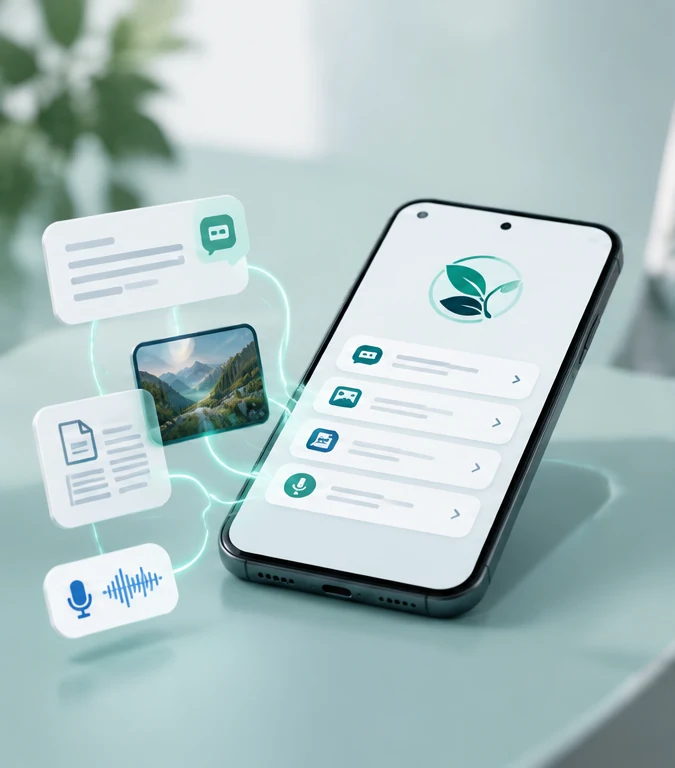
Bring more kinds of content
Share supported text, choose pictures or screenshots, select PDF pages, describe a request by voice, or transcribe an accessible audio file.


More help. Less effort. Still your decision.
Lumevari is a completely free tool created to help people who may be targeted by scams pause before responding, understand common warning signs, and reach someone they trust.
It is designed especially with older adults, families and supporters in mind—helping people make more informed decisions while preserving their independence, dignity and control.
Free. No ads. No fees. Personal-content checks stay on the phone.
Lumevari identifies supported warning signs and provides practical guidance. A result with no matching warnings does not mean a caller, message, website or request is safe.

The goal is not to make decisions for someone. It is to make the moment easier to understand: surface supported warning signs, explain why they matter, and make it simpler to reach a person or source the user already trusts.
That mission shapes V1.1 from the interface to the privacy model: more useful input options, fewer intimidating scores, more context, and clearer next steps.
V1.1 expands beyond manually pasted text and refines how results are explained. The result is a broader—but still deliberately bounded—development preview.
Share supported text, choose pictures or screenshots, select PDF pages, describe a request by voice, or transcribe an accessible audio file.
Personal-content review and supported transcription run on the phone. External actions happen only when the user deliberately chooses them.
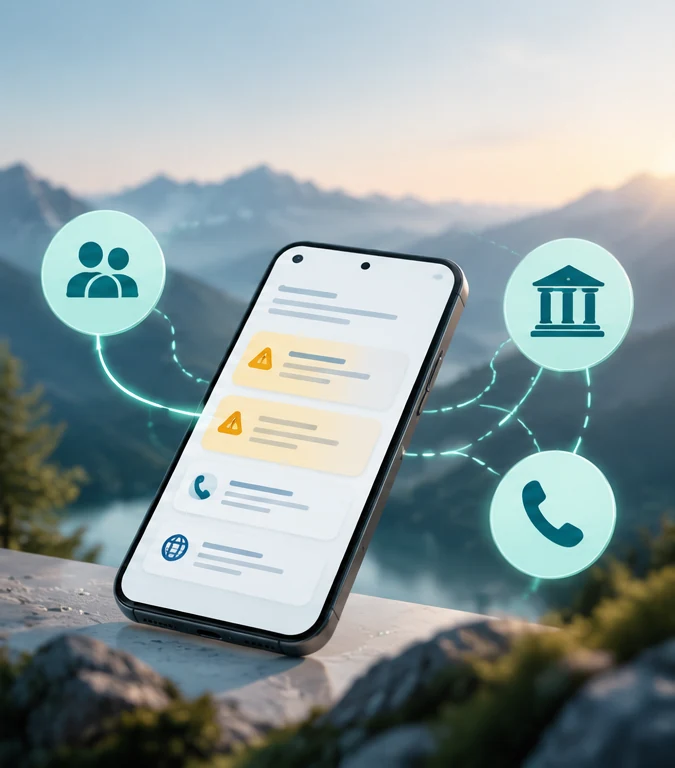
Reach trusted contacts, open sourced official support routes, review free human-help options, and compare details against a source the user already trusts.
Prominent numerical danger scores are gone. Findings focus on what matched, why it matters, and what to do next, with highlighted wording and rule explanations.
V1.1 adds invoice arithmetic, trusted-source business comparison, limited local link inspection, a dated FTC number-report snapshot and optional browser search—each with clear boundaries.
Trusted-person assistance, official contact routes, AARP resources, FTC reporting, identity-theft recovery and community resources are easier to reach.
Light, Dark and Use Phone Setting modes, stronger contrast, simpler choices, cancellable longer checks and a visible Close app action reduce friction.
The groups below include both new V1.1 improvements and capabilities carried forward into this build.
Share supported text or selected text directly to Lumevari for automatic review, or paste it manually. Sharing options depend on the messaging or email app.
Take a photo or choose an image. Printed English text is read locally and checked automatically, with the ability to correct and recheck it.
Share or select a PDF and choose up to five pages to read. Results identify which pages were reviewed.
Deliberately record up to one minute of English speech to describe a suspicious request. Transcription runs locally and can be reviewed and corrected.
Choose or share an accessible audio recording, up to five minutes and 15 MB, for local transcription and warning-sign review. Format support depends on the phone.
Results explain what matched, why it matters and what to do next. Prominent numerical danger scores have been removed.
Open the reviewed text, select highlighted wording, and see the rule responsible for the caution.
View up to three curated examples illustrating relevant patterns, including Medicare identifier requests, payment pressure, secrecy and suspicious callbacks.
Review payment wording and possible repeated charges. Confirm the relevant USD amounts before checking whether the total adds up.
Learn that a familiar voice can be imitated, with independent-callback guidance and examples of private family questions or safety words. Lumevari does not claim to detect cloned voices.
Compare a supplied business name, phone number or website against details from a source the user already trusts.
Shared links receive local checks for supported warning signs without opening the destination. This does not verify the website or consult a live reputation service.
Check supported US numbers against a dated, bundled FTC consumer-report snapshot. Report counts and dates are shown separately from message findings.
Open a Google search for a number after choosing to do so. Lumevari does not retrieve or summarize Google's results.
A small, sourced directory covers Medicare, Senior Medicare Patrol, Bank of America, Microsoft and Google/Gmail, with published numbers and official support pages.
Save up to three trusted contacts locally, prepare a help request, optionally include findings or reviewed text, and inspect the exact message before choosing another app.
Browse common situations and dated official alerts, including Medicare, government impersonation, delivery messages, renewals, gift cards and emergency requests. These are bundled selections, not a live feed.
Access AARP fraud assistance and discussions, BBB Scam Tracker, FTC reporting, identity-theft recovery and the official Do Not Call Registry.
Display screen-lock configuration and Android's reported security-patch date, with guided checks for updates, Play Protect, RCS, spam protection, permissions and account security.
Light, Dark and Use Phone Setting options; stronger contrast; simpler primary choices; reminders and cancellation during longer checks; and a visible Close app action.
User-enabled notification and call cautions remain available, subject to Android support, permissions and settings.
We want to understand whether the current experience makes the situation clearer, what feels confusing, and where the app creates unnecessary effort.
Please avoid pasting private messages, account numbers, medical information or other sensitive content into the feedback form.
These are ideas—not V1.1 features. Choose up to three that would be most useful to you.

V1.1 is a step toward a more useful, more transparent Lumevari—not a claim that every scam can be detected or every risk can be verified.
Ask about the preview →